Compress PDF API
Reduce PDF file size up to 90% by optimizing images, fonts, and removing unused objects while preserving visual quality.
 Kostas, Developer
Large PDFs slow everything down. Uploads stall, emails bounce at attachment limits, storage bills grow, and web viewers take seconds to render the first page. If your application generates, receives, or archives PDF documents, compressing them programmatically fixes all of that at once - and you don't need to run your own conversion servers to do it.
This guide shows how to compress PDF files programmatically using the Compress PDF API, with ready-to-run code in C#, Python, Node.js, PHP, and Java, plus a breakdown of every compression option the endpoint supports.
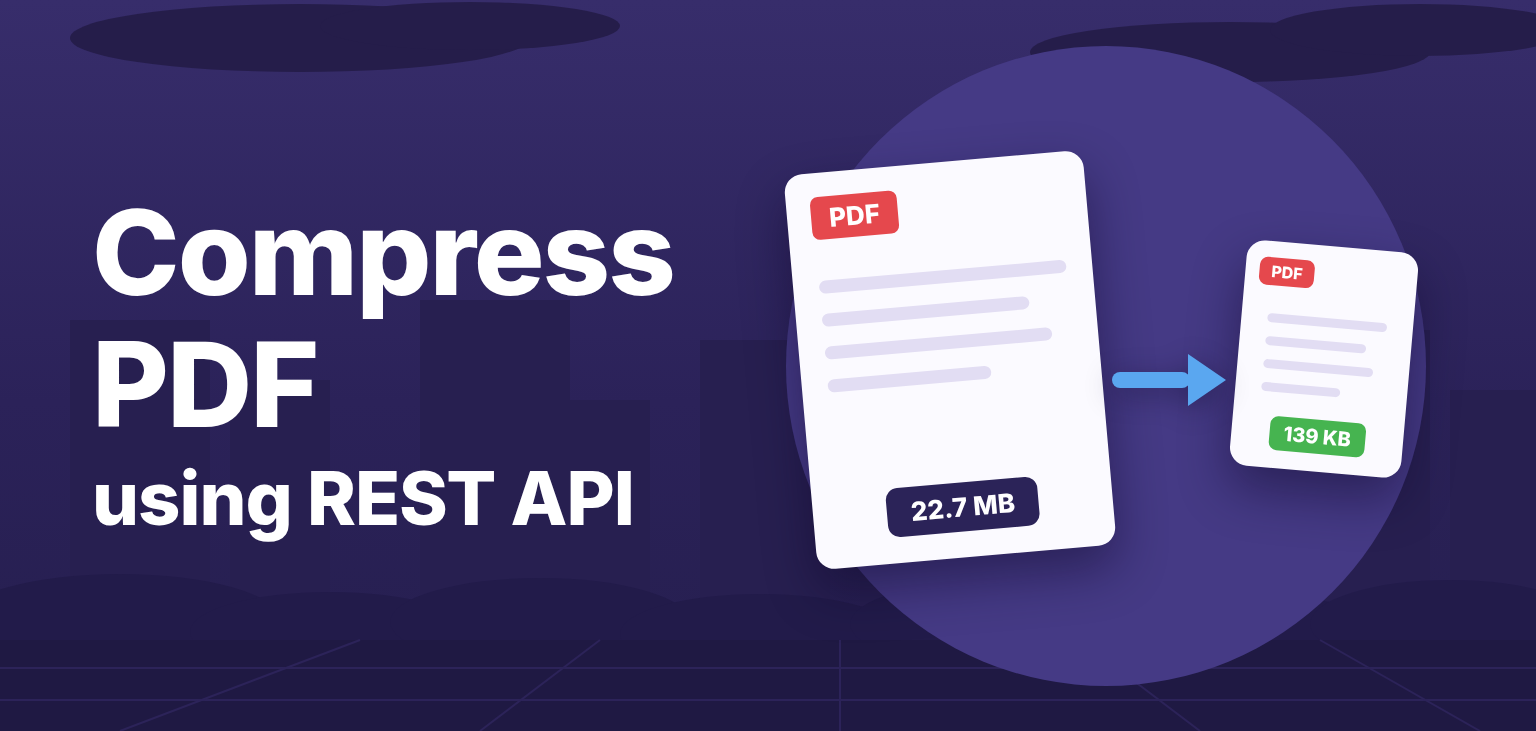
Here is a real example: a 22.7 MB image-heavy PDF compressed down to 139 KB with a single API call - a 99.4% reduction. Both files are linked below, so you can compare the quality yourself.
The fastest way to try it is curl. Pick a preset and post your file:
curl -X POST https://v2.convertapi.com/convert/pdf/to/compress \
 -H "Authorization: Bearer api_token" \
 -F "File=@/path/to/large-document.pdf" \
 -F "Preset=web"
The response contains the compressed PDF. That's the whole integration - no libraries to install, no PDF internals to learn.
This is the first page of the compressed output, rendered straight from the 139 KB file. The photos survive the web preset without visible damage:

Don't take our word for it - download both files and compare them side by side:
Presets bundle sensible image resolution, quality, and cleanup settings for a target use case. When you set a preset, all other compression options are ignored, so it is the simplest way to get predictable results:
| Preset | Image resolution | Best for |
|---|---|---|
lossless |
unchanged | Reducing size without any quality loss |
text |
20 DPI | Text-only documents where images don't matter |
archive |
40 DPI | Long-term storage where size matters most |
web |
75 DPI | Email attachments, uploads, web publishing |
ebook |
150 DPI | On-screen reading with high image quality |
printer |
300 DPI | Documents that will be printed |
Rule of thumb: use web for sharing and uploads, ebook when images must stay sharp on screen, printer when the file will end up on paper, and lossless when you cannot afford any visual change.
Skip the preset (or set it to none) and you get full control over what the compressor does.
Images are usually most of a PDF's weight, so these two parameters have the biggest effect:
ImageResolution - maximum image resolution in DPI, from 10 to 800 (default 150)ImageQuality - image quality percentage, from 10 to 100 (default 80)A scanned contract stored at 600 DPI does not need more than 150 DPI for reading and archiving - downsampling it can shrink the file by an order of magnitude.
PDFs accumulate invisible baggage: editing history, private application data, duplicate resources. The API can strip all of it:
RemoveDuplicates)RemoveEmbeddedFiles)RemovePieceInformation)RemoveMetadata)RemoveStructureInformation)RemoveUnusedResources)RemoveForms)SubsetEmbeddedFonts - keep only the glyphs the document actually uses instead of whole font filesUnembedBaseFonts - drop the standard base fonts that every PDF viewer already hasOptimize - optimize page content streamsLinearize - restructure the file for fast web view, so the first page renders before the whole file downloadsInstall the ConvertAPI .NET SDK from NuGet:
dotnet add package ConvertApiThen compress with a few lines of async code:
using ConvertApiDotNet;

var convertApi = new ConvertApi("api_token");

var result = await convertApi.ConvertAsync("pdf", "compress",
    new ConvertApiFileParam(@"C:\reports\large-report.pdf"),
    new ConvertApiParam("Preset", "web")
);

await result.SaveFilesAsync(@"C:\reports\compressed");Install the Python SDK:
pip install convertapiimport convertapi
convertapi.api_credentials = 'api_token'
convertapi.convert('compress', {
'File': '/path/to/large-report.pdf',
'Preset': 'web'
}, from_format = 'pdf').save_files('/path/to/compressed')Install the Node.js SDK:
npm install convertapiconst convertapi = require('convertapi')('api_token');
convertapi.convert('compress', {
File: './files/large-report.pdf',
Preset: 'web'
}, 'pdf').then(function(result) {
return result.saveFiles('./files/compressed');
});The same package works for plain JavaScript projects, and a universal JS build is available for browser-side use.
Install the PHP SDK with Composer:
composer require convertapi/convertapi-phpConvertApi::setApiCredentials('api_token');
$result = ConvertApi::convert('compress', [
'File' => '/path/to/large-report.pdf',
'Preset' => 'web',
], 'pdf'
);
$result->saveFiles('/path/to/compressed');Add the Java SDK to your Maven project:
<dependency>
    <groupId>com.convertapi.client</groupId>
    <artifactId>convertapi</artifactId>
    <version>2.10</version>
</dependency>
Config.setDefaultApiCredentials("api_token");
ConvertApi.convert("pdf", "compress",
new Param("File", Paths.get("/path/to/large-report.pdf")),
new Param("Preset", "web")
).get().saveFilesSync(Paths.get("/path/to/compressed"));It depends on what is inside. Image-heavy and scanned documents compress the most - reductions of 90% and more are common, like the 22.7 MB to 139 KB example above. Text-only PDFs that are already efficient shrink less, though object cleanup and font subsetting still help.
Yes. Use the lossless preset. It reduces file size through object cleanup, font subsetting, and content stream optimization without touching image data, so the document looks pixel-for-pixel identical.
Yes. Pass the document password in the Password parameter and the API will open, compress, and return the file.
By default, aggressive cleanup can strip data that PDF/A requires. Set PreservePdfa to true to keep the PDF/A standard intact while compressing. If archival compliance matters to you, see our guide on validating PDF/A compliance programmatically.
Sign up for a free trial and test the Compress PDF API right in the browser - the interactive demo generates a working code snippet for your language while you tweak the parameters.
PDF compression is one of those features that takes months to build well in-house - image resampling, font subsetting, object cleanup, and linearization each have deep edge cases. With a REST API it is a single HTTP call from any language. Start with the web preset, measure the result on your real documents, and reach for the manual parameters only if you need finer control.