10+ Years of Excellence
PDF Print Production - Press-Ready PDF Automation
Prepare print-ready PDFs automatically. Add bleed, trim, color profiles, and production marks in seconds - no manual prepress work required.
10+ Years of Excellence
Prepare print-ready PDFs automatically. Add bleed, trim, color profiles, and production marks in seconds - no manual prepress work required.
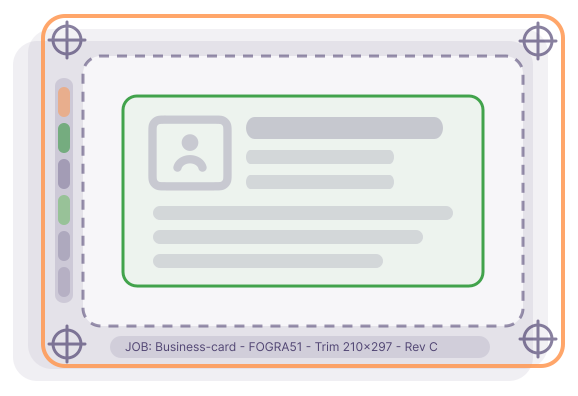
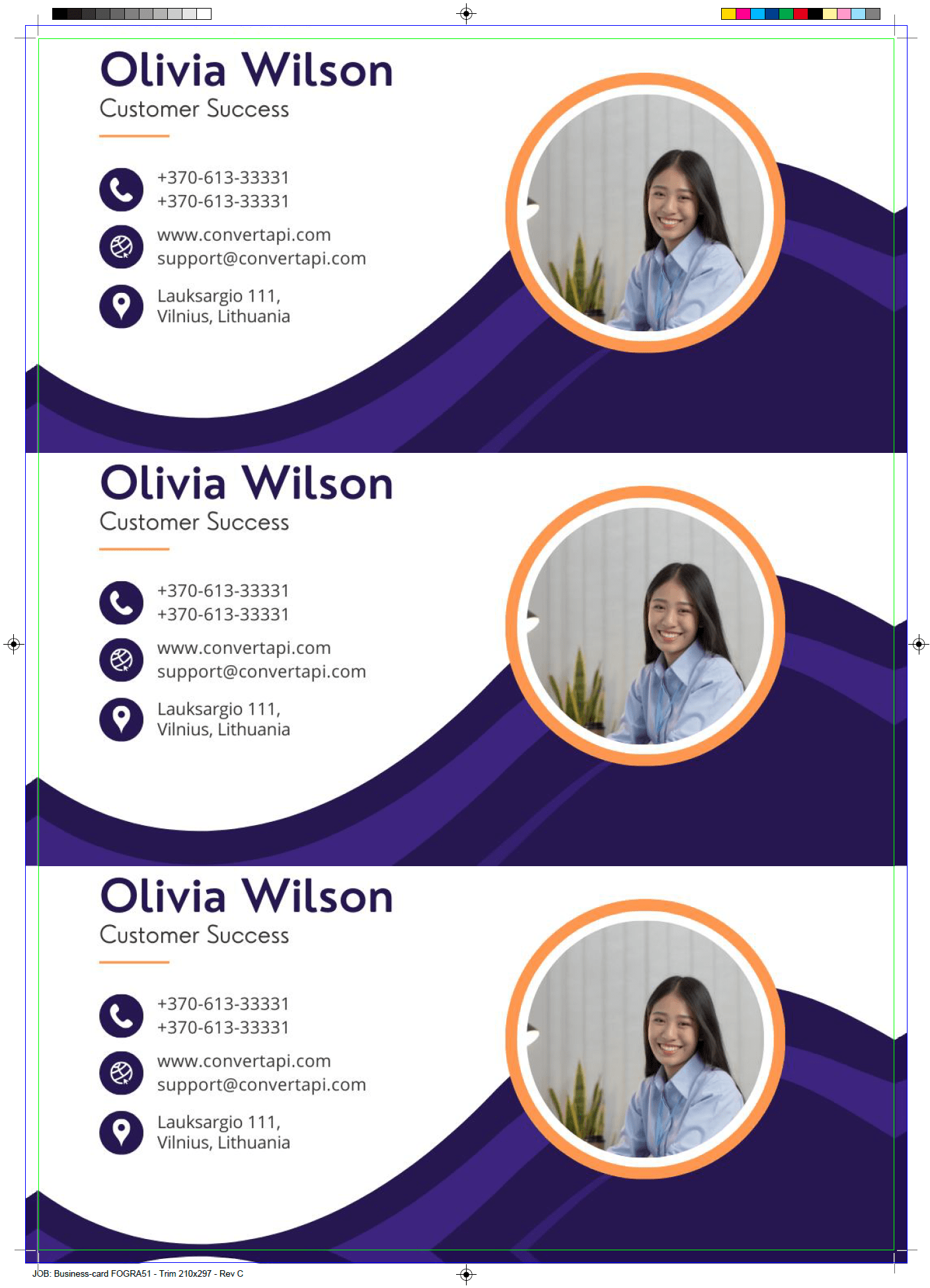 Result
 Original
ConvertAPI’s PDF Print Production solution automatically prepares incoming PDFs for professional printing. It applies standardized print settings and ensures consistent output.
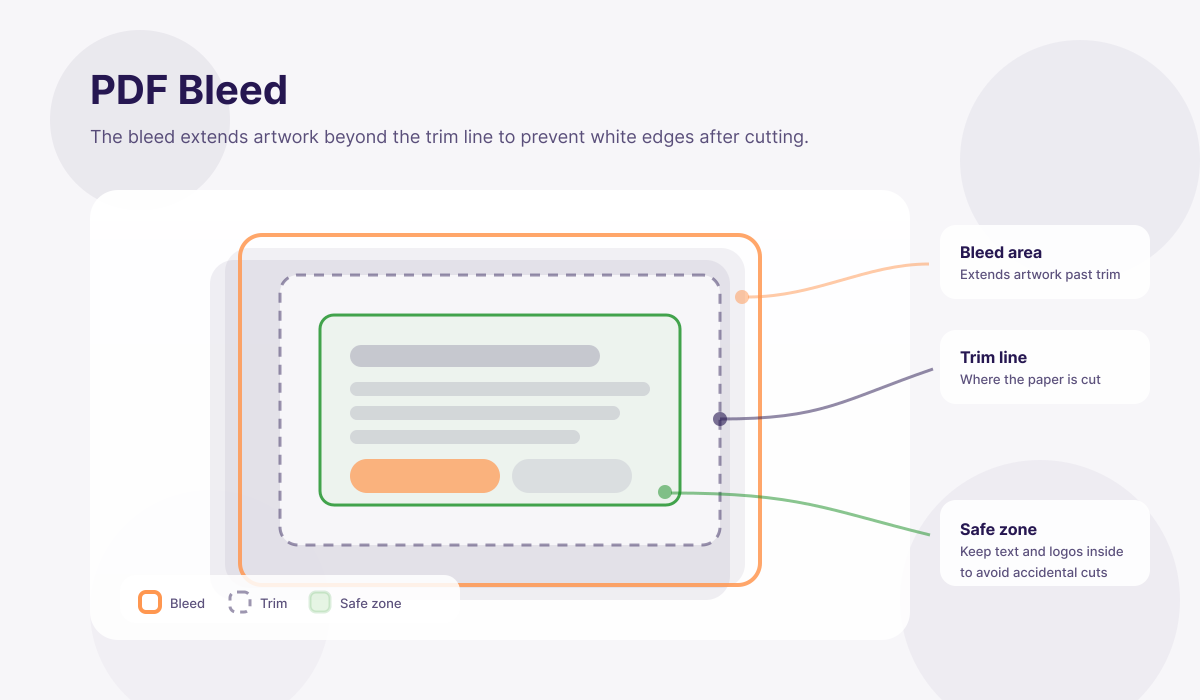
The PDF Print Production tool automatically generates bleed for files that arrive without it, ensuring artwork extends correctly beyond the trim area. Mirror bleed reflects the edge content outward, producing a natural continuation of the design, while pixel bleed (stretch) extends edge pixels to fill the bleed area smoothly. These modes help prevent white edges after trimming and are especially useful for customer-supplied files and packaging artwork where bleed is often missing or inconsistent.
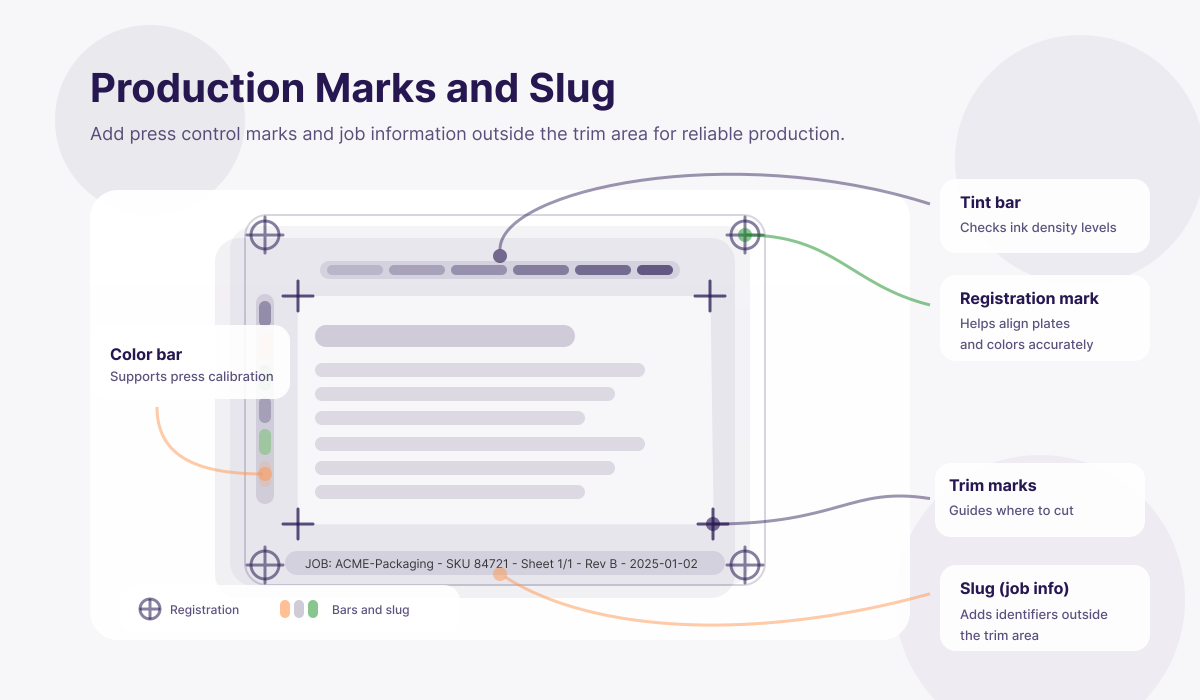
You can enhance print production by adding essential production elements such as color bars, tint bars, registration marks, and slug information. Color and tint bars support press calibration and color consistency, while registration marks assist with accurate alignment during printing. Slug injection allows you to include job-specific information outside the trim area, making file identification and press setup clearer and more reliable.
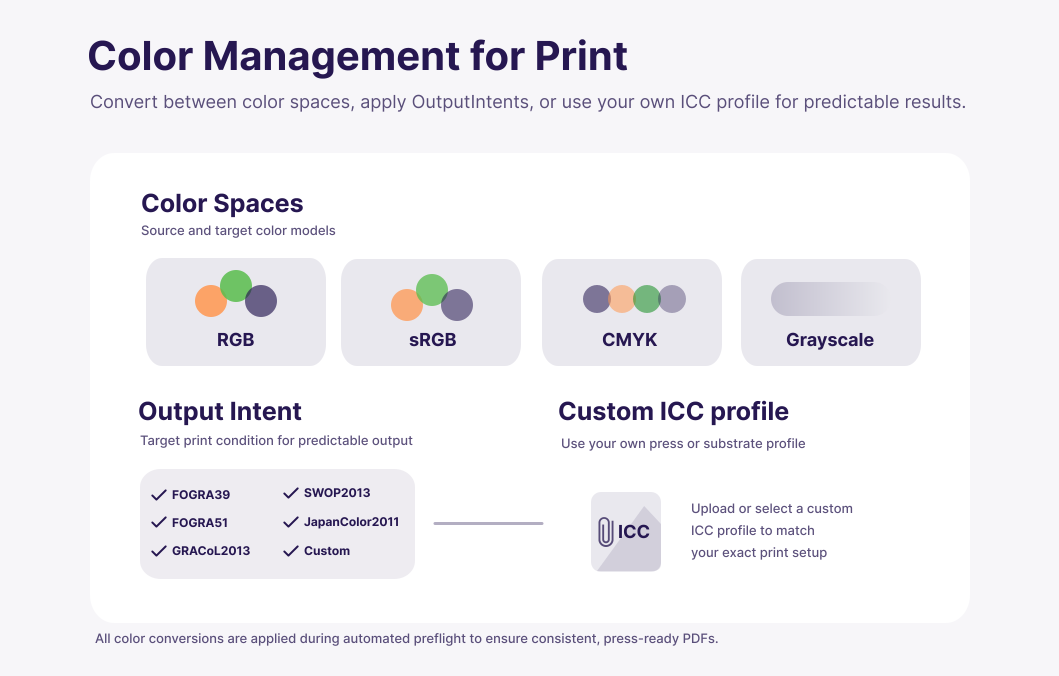
The tool supports professional color management by allowing you to select from a list of industry-standard color profiles or apply your own ICC profile. This ensures files are converted to the correct color space and output intent for your press conditions. By standardizing color profiles during preflight, you achieve predictable color reproduction across different jobs, presses, and production partners.
Automate preflight and print preparation for brochures, flyers, posters, and other commercial print products. Ensure every incoming PDF meets your production standards without manual intervention.
Prepare packaging artwork for production by automatically enforcing trim sizes, generating bleed, and applying correct color spaces. Maintain consistent preflight rules across cartons, labels, sleeves, and flexible packaging.
Automatically preflight customer uploads for both print and packaging products. Normalize PDFs at scale to prevent production issues while offering a smooth, self-service ordering experience.
Validate and prepare files before sending them to multiple print or packaging suppliers. Use consistent preflight rules to ensure every partner receives production-ready PDFs, regardless of source.
Eliminate repetitive manual preflight tasks for both print and packaging workflows. Focus operator time on exceptions and quality control instead of routine file fixes.
Add automated preflight and print production capabilities to your software without building them in-house. Support both traditional print and packaging workflows using a single, scalable solution.
We ensure that all document processing is handled securely in the cloud, adhering to industry-leading standards like ISO 27001, GDPR, and HIPAA. To enhance security even further, we can ensure that no files or data are stored on our servers and never leave your country.
Learn more about securityWhether you're developing an application, or managing complex workflows, our robust tools can be effortlessly integrated to handle document conversion and management at ease.
Our SDKs simplify complex processes, reduce development time, and enhance functionality without the need for extensive coding.
PDF preflight is the process of checking and preparing a PDF file to ensure it meets the technical requirements for professional printing. This typically includes verifying trim size, bleed, color space, and the presence of production marks. Proper preflight helps prevent print errors, delays, and costly reprints.
The PDF Print Production solution automates common preflight tasks. Instead of manually inspecting and fixing files, the system applies predefined print rules automatically, producing a consistent, print-ready PDF every time.
For most routine jobs, yes. The solution handles standard preflight corrections such as bleed generation, trim normalization, color space conversion, and production marks. Manual preflight is still useful for complex or non-standard files, but the majority of repetitive work can be automated.
Yes. The solution is designed specifically for customer-supplied files that may be missing bleed, have incorrect trim sizes, or use the wrong color space. It standardizes incoming PDFs as part of an automated preflight workflow.
No. The original file remains unchanged. The preflight process generates a new, print-ready PDF based on your selected production rules.
Yes. The solution is built for scale and is commonly used in automated print workflows where hundreds or thousands of PDFs must be preflighted consistently and reliably.
Yes. Preflight settings can be aligned with your specific production requirements, including trim sizes, bleed values, and color profiles, ensuring every file matches your internal standards.
