PUB to PDF API
Convert Microsoft Publisher (.pub) files to PDF without Publisher installed. Keep documents usable after the 2026 retirement.
 Tomas, CEO
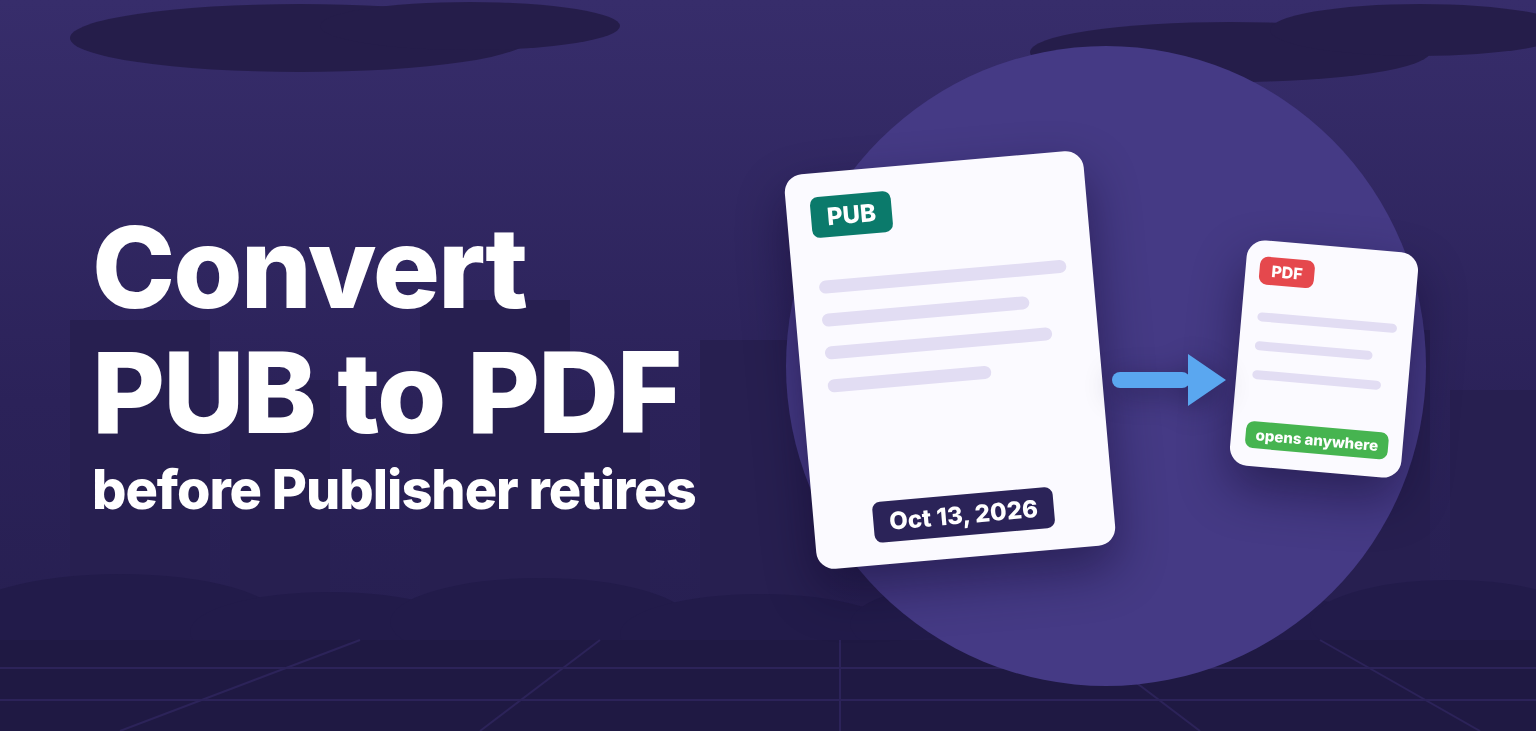
Microsoft Publisher reaches end of life on October 13, 2026. This is not the usual "no more updates" retirement: if you use Publisher through a Microsoft 365 subscription, the application will stop opening and editing .pub files altogether after that date. Every newsletter, brochure, flyer, and menu saved as a .pub file becomes unreadable on those machines - and no other Microsoft application can open the format.
This guide covers what exactly stops working, which tools can replace Publisher for new documents, and the most practical way to keep your existing files usable: converting them to PDF with the PUB to PDF API - no Publisher installation required.
Microsoft announced that Publisher will no longer be supported after October 2026. What that means depends on how you got Publisher:
| Your version | After October 13, 2026 |
|---|---|
| Microsoft 365 subscription | Publisher stops working - you can no longer open or edit .pub files |
| Perpetual license (Publisher 2016, 2019, 2021) | Keeps running, but receives no security updates or support |
There is no successor application. The .pub format is proprietary, Word and PowerPoint do not open it, and Microsoft is not migrating the format anywhere. Microsoft's own recommendation is to convert Publisher files to other formats, PDF first among them, before the deadline.
Most organizations end up doing 1 and 2 together: convert the archive to PDF now, recreate the handful of documents that still change regularly in a new tool.
The catch: none of these opens .pub files reliably. Scribus and LibreOffice Draw can partially import some .pub documents, but fonts, text flow, and graphics often shift. For files you need to keep, convert them to PDF while the format is still fully supported end to end.
The PUB to PDF API renders Publisher documents in the cloud, so nothing needs to be installed locally - no Publisher, no Office. One curl command converts a file:
curl -X POST https://v2.convertapi.com/convert/pub/to/pdf \
 -H "Authorization: Bearer api_token" \
 -F "File=@/path/to/newsletter.pub"
The response contains the finished PDF. In our test run, a 240 KB Publisher document came back as a 237 KB PDF in about five seconds, with layout, fonts, and graphics intact.
Useful parameters when you need more control:
Password - opens password-protected Publisher filesConvertMetadata - carries the document's title, author, and keywords into the PDF (on by default)EmbedFonts and SubsetFonts - keep the output self-contained while trimming unused glyphsPdfVersion, PdfResolution, ColorSpace - match the PDF flavor your downstream systems expectFor regulated archives, chain the result through the PDF to PDF/A converter to get standards-compliant archival files.
The real problem is rarely one file - it is the folder tree with years of .pub documents. A short script clears it out.
Install the ConvertAPI .NET SDK from NuGet:
dotnet add package ConvertApiusing ConvertApiDotNet;
var convertApi = new ConvertApi("api_token");
foreach (var pubFile in Directory.EnumerateFiles(@"C:\archive", "*.pub", SearchOption.AllDirectories))
{
var result = await convertApi.ConvertAsync("pub", "pdf",
new ConvertApiFileParam(pubFile)
);
await result.SaveFilesAsync(Path.GetDirectoryName(pubFile));
}pip install convertapiimport convertapi
from pathlib import Path
convertapi.api_credentials = 'api_token'
for pub_file in Path('/archive').rglob('*.pub'):
convertapi.convert('pdf', {
'File': str(pub_file)
}, from_format = 'pub').save_files(str(pub_file.parent))npm install convertapiconst convertapi = require('convertapi')('api_token');
convertapi.convert('pdf', {
File: './archive/newsletter.pub'
}, 'pub').then(function(result) {
return result.saveFiles('./archive');
});Each converted PDF lands next to its source file, so the archive keeps its structure. PHP, Java, Go, and Ruby SDKs are available on the converter page.
The same engine renders Publisher pages to images - handy for thumbnails, web previews, or embedding a page into another document: PUB to JPG, PUB to PNG, and PUB to TIFF all take the same File and Password parameters plus image resolution and scaling controls.
Not directly - there is no free viewer from Microsoft, and Word cannot open the format. The practical answer is to convert the file to PDF and open that anywhere. LibreOffice Draw can import some .pub files, but fidelity is hit-and-miss.
If it came with a Microsoft 365 subscription: yes - Microsoft states you will no longer be able to open or edit .pub files in it. If you bought Publisher 2016, 2019, or 2021 outright, it keeps running but becomes unsupported software with no security updates.
Convert them to another format before the deadline. Microsoft's guidance names PDF as the primary target, since it preserves the layout exactly as designed.
Yes. Pass the document password in the Password parameter and the API will open and convert the file.
No. Conversion runs entirely in the cloud via a REST API, so it works the same from a Windows server, a Linux container, or a CI pipeline - before and after Publisher's retirement.
Publisher's retirement has a hard edge that most Office retirements do not: for Microsoft 365 users, .pub files stop opening at all. Converting your archive to PDF is a one-afternoon job with a script and costs nothing to start - sign up for a free trial and test the PUB to PDF API in the browser, where the interactive demo generates working code for your language. Do it before October 2026 turns your archive into a folder of files nothing can read.
Convert Microsoft Publisher (.pub) files to PDF without Publisher installed. Keep documents usable after the 2026 retirement.
Render Microsoft Publisher pages to JPG images with password support, resolution control, scaling, and JPEG quality.
Render Microsoft Publisher pages to PNG images with password support, resolution control, scaling, and background color.
Render Microsoft Publisher pages to TIFF images with password support, resolution control, scaling, and compression.