Text Watermark PDF API
Apply text watermarks to PDF pages with control of font, size, color, stroke, opacity, rotation, position, links, and page ranges.
 Paulius, Developer
Adding page numbers to a PDF is a common requirement for reports, contracts, manuals, and other multi-page documents. Page numbers improve readability, help with navigation, and make documents look more professional.
ConvertAPI doesn’t require a separate "Number pages" API, page numbering can be implemented using the Text Watermark PDF API, which supports dynamic variables like %PAGE% (current page number) and %PAGES% (total pages).
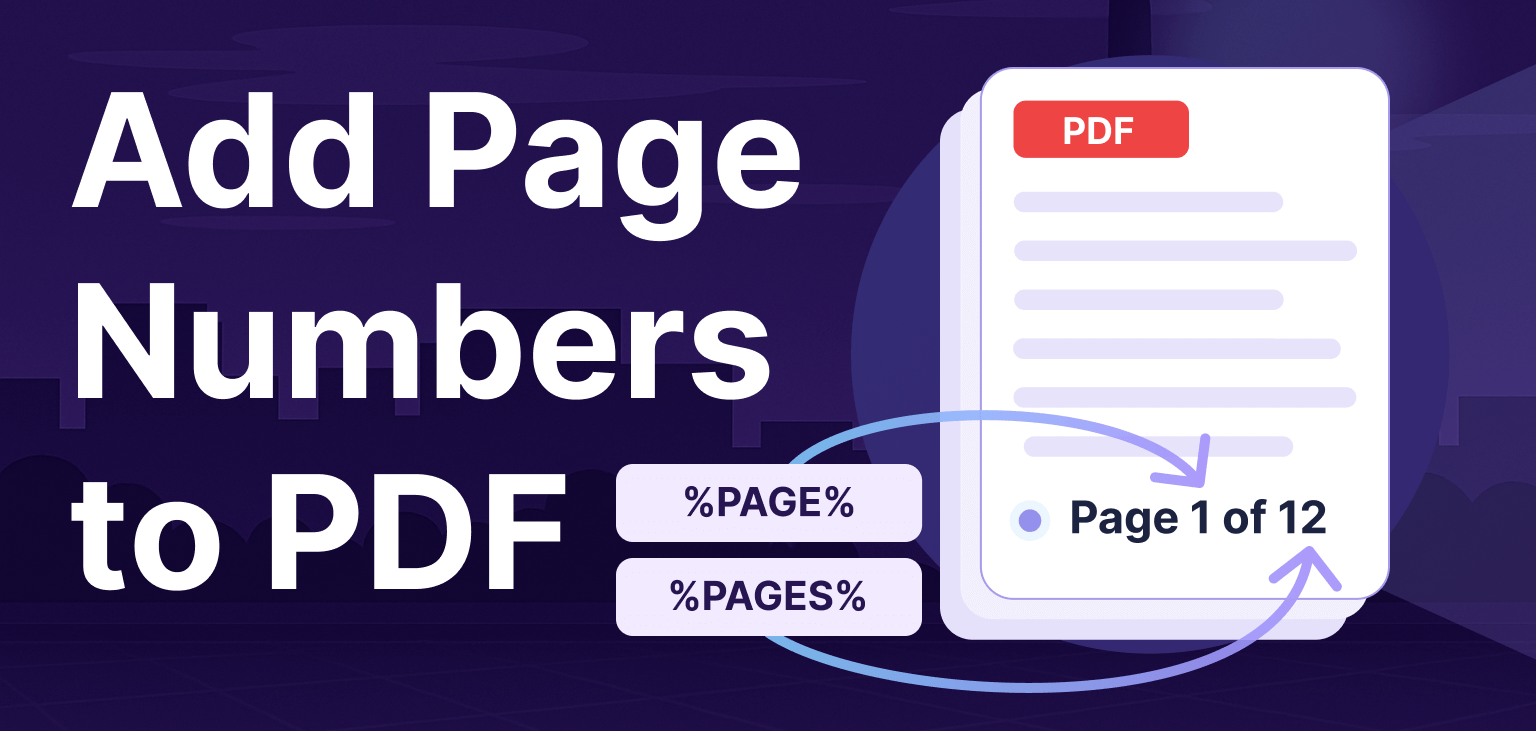
Page numbers are added to the PDF as a text watermark that supports special placeholders. Use %PAGE% to insert the current page number and %PAGES% to insert the total number of pages. These placeholders are automatically replaced when the document is processed.
For example, %PAGE% will show only the page number, while Page %PAGE% of %PAGES% will display a format like “Page X of Y”.
In the Text Watermark API, watermark placement is defined using horizontal and vertical alignment, which determine the general area of the page. You can align the watermark to the left, center, or right horizontally, and to the top, center, or bottom vertically. For more precise positioning, the placement can be fine-tuned by specifying a measurement unit (pt, mm, cm, or in) and applying horizontal (OffsetX) and vertical (OffsetY) offsets.
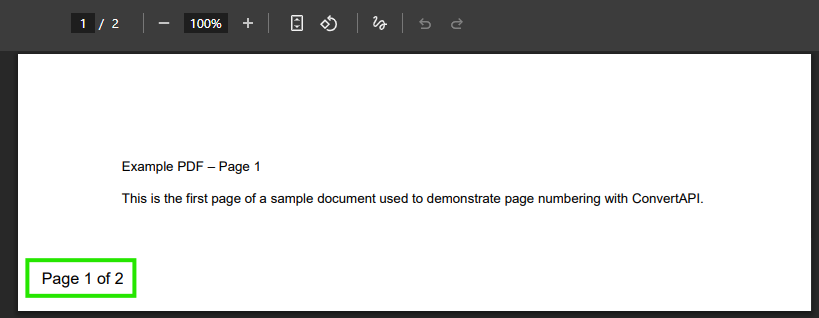
The following example shows how the page numbers appear when placed in the bottom-left corner with a 0.25 inch offset.
Although the example below uses C#, the same parameters and behavior apply across all ConvertAPI SDKs and the REST API. You can use this approach from PHP, Node.js, C# (.NET), Java, Python, Go, Ruby, Javascript, or any language capable of making HTTPS requests.
Before performing conversion, you’ll need to set up the ConvertAPI SDK.
Install-Package ConvertApiBelow is an example showing how to add page numbers using ConvertAPI with C#.
using ConvertApiDotNet;

var convertApi = new ConvertApi("YOUR_API_TOKEN");

var result = await convertApi.ConvertAsync("pdf", "text-watermark",

    new ConvertApiFileParam("File", "document.pdf"),

    // Page numbering text (supports variables like %PAGE% and %PAGES%)
    new ConvertApiParam("Text", "Page %PAGE% of %PAGES%"),

    // Style
    new ConvertApiParam("FontSize", 12),
    new ConvertApiParam("TextRenderingMode", "filltext"),
    new ConvertApiParam("FontColor", "#000000"),

    // Alignment-based positioning
    new ConvertApiParam("HorizontalAlignment", "left"),
    new ConvertApiParam("VerticalAlignment", "bottom"),

     // Precise offsets + unit
     new ConvertApiParam("MeasurementUnit", "in"),
     new ConvertApiParam("OffsetX", "0.25"),
     new ConvertApiParam("OffsetY", "0.25")
);

await result.SaveFilesAsync(@"C:\converted-files\");The same configuration can be applied using a REST API request.
curl -X POST "https://v2.convertapi.com/convert/pdf/to/text-watermark" \
  -H "Authorization: Bearer YOUR_API_TOKEN" \
  -F "File=@document.pdf" \
  -F "Text=Page %PAGE% of %PAGES%" \
  -F "FontSize=12" \
  -F "TextRenderingMode=filltext" \
  -F "FontColor=#000000" \
  -F "HorizontalAlignment=left" \
  -F "VerticalAlignment=bottom" \
  -F "MeasurementUnit=in" \
  -F "OffsetX=0.25" \
-F "OffsetY=0.25"Adding page numbers is useful for:
Automating page numbering ensures consistent formatting and reduces manual work.
ConvertAPI provides native SDKs and language-specific examples for all major programming languages. Below are direct links to Text Watermark PDF API examples for each language: PHP, Node.js, C# (.NET), Java, Python, Go, Ruby, Javascript.
Each SDK exposes the same parameters and features, so you can apply the same configuration regardless of language.
Even without a dedicated "Number pages" converter, ConvertAPI makes it easy to add page numbers using the PDF → Text Watermark converter. Use %PAGE% and %PAGES% for numbering, alignment parameters for basic placement, and OffsetX / OffsetY with MeasurementUnit for precise control.
Page numbers are just one example of what dynamic text watermarks can do. The Text Watermark API also supports variables for document metadata, file details, and date or time values, allowing you to add richer, automatically generated information to your PDFs using the same approach.
Try out our Text Watermark API and add page numbers to your PDF files!