Watermark
Watermark PDF files - stamp a PDF with the text, image, or another fileExplore the product
ConvertAPI library for Ruby is designed to streamline even the most complex workflows, the library’s flexible parameters and straightforward configuration help you reduce development overhead, improve efficiency, and deliver high-quality results with minimal effort.
It is easy to start converting documents using Ruby in a few simple steps:
Sign up for free and receive 250 conversions to try and evaluate our service. You will receive a free trial with no credit card required upon registration!
On your account dashboard you will access an intuitive UI tool that allows you to set up the conversion, adjust the parameters, and try the conversion online with zero code.
Once you have set up the conversion parameters and are happy with the conversion results, you will receive an auto-generated Ruby code snippet with your custom parameters!
High-performance and unbeatable accuracy document converter suite with support for over 300+ conversion.
Generate dynamic DOCX and PDF documents like invoices, contracts, reports, on the fly.
Protect, redact, compare, watermark, flatten, compress and modify your documents using ConvertAPI Ruby SDK.
Protect and unprotect PDFs, MS Office Powerpoint and MS Office Word documents.
Built to scale with your business, whether you're handling a few conversions or thousands.
Reduce file sizes without losing quality. Archive converters are designed to handle over 100 different file formats.
Configure your file conversion directly online using our intuitive interface. Select the desired parameters and see the results in real-time. Once you're satisfied, we’ll automatically generate the Ruby code for you, making integration into your project effortless. No need to start from scratch - just copy the code and implement it seamlessly into your Ruby application!
Get started now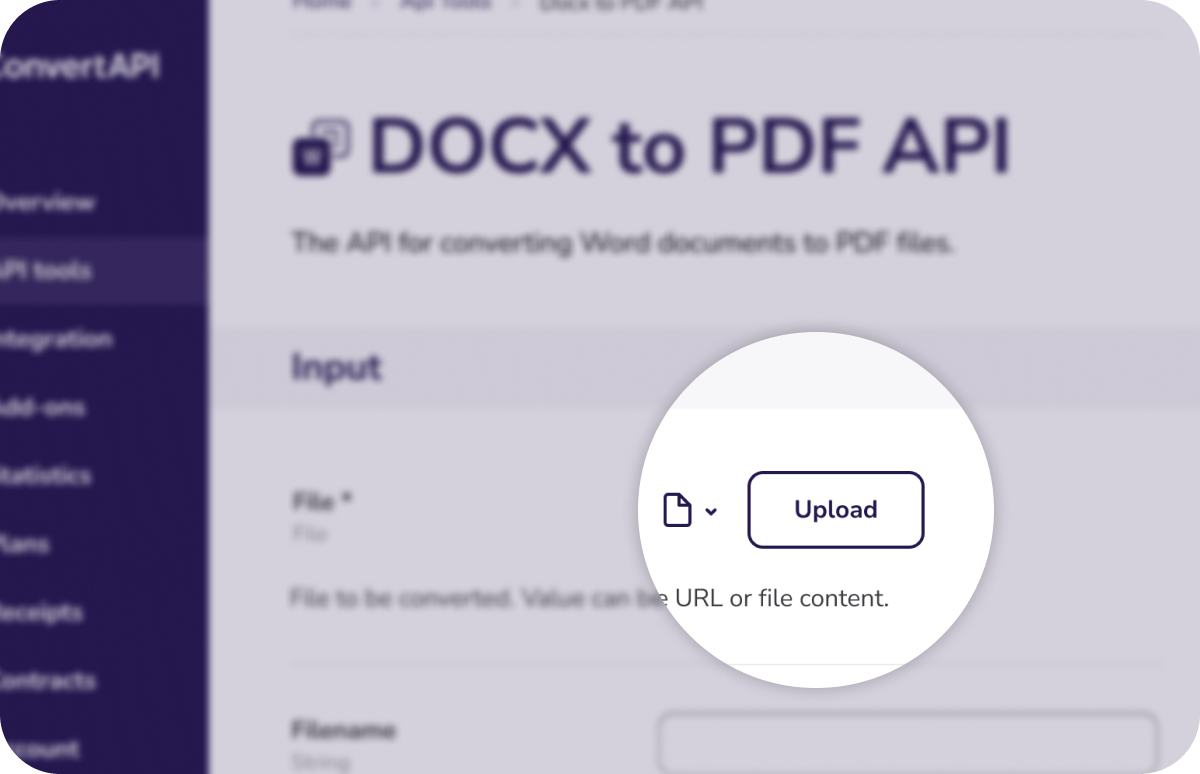
The ConvertAPI Ruby library makes adding powerful document transformation capabilities to your Ruby projects both simple and efficient. Designed with ease-of-use in mind, the library’s intuitive API ensures you spend less time on repetitive tasks and more time delivering value in your Ruby applications.
With support for a vast selection of file formats, you can handle everything from PDF conversions to Office file manipulations with just a few lines of code. Combine and split documents, adjust quality and resolution, or securely redact sensitive information, this versatile toolkit gives you the flexibility to shape your workflows exactly as needed.
To get started, install the ConvertAPI Ruby Gem:
gem 'convert_api'
The ConvertAPI Ruby PDF Protect tool enables you to apply robust security measures to your PDF files directly from your Ruby applications. By adding passwords, setting permissions, or restricting printing and copying, you maintain strict control over document access.
The tool’s flexible options make it simple to configure the right level of protection, ensuring sensitive information remains safe, compliant, and tamper-resistant, without adding unnecessary complexity to your code.
This example demonstrates converting text content directly from memory into a PDF, eliminating the need for intermediate file storage. It is ideal for applications that generate content dynamically and require immediate conversion without disk I/O. It's useful for applications that handle file data dynamically, such as web services or cloud-based systems, where writing to disk is undesirable.
ConvertApi.configure do |config|
  config.api_credentials = ENV['CONVERT_API_TOKEN'] # your api token
end

# Example of converting text to PDF
# https://www.convertapi.com/txt-to-pdf

content = 'Test file body'

io = StringIO.new
io.write(content)
io.rewind

# Use upload IO wrapper to upload data to the API
upload_io = ConvertApi::UploadIO.new(io, 'test.txt')

saved_files = ConvertApi
  .convert('pdf', {File: upload_io})
  .save_files(Dir.tmpdir)

puts "The PDF saved to: #{saved_files}"Illustrates how to convert a live web page into a PDF by providing its URL, facilitating the capture of web content in a portable format. It's useful for archiving web pages or generating PDF versions of online content for offline access or record-keeping.
ConvertApi.configure do |config|
  config.api_credentials = ENV['CONVERT_API_TOKEN'] # your api token
end

# Example of converting Web Page URL to PDF file
# https://www.convertapi.com/web-to-pdf

result = ConvertApi.convert(
  'pdf',
  {
    Url: 'https://en.wikipedia.org/wiki/Data_conversion',
    FileName: 'web-example'
  },
  from_format: 'web',
  conversion_timeout: 180,
)

saved_files = result.save_files(Dir.tmpdir)

puts "The web page PDF saved to #{saved_files}"The following example demonstrates a multi-step conversion process, such as converting a DOCX file to PDF and then compressing the PDF, showcasing how to chain multiple conversions seamlessly. It is meant for complex workflows requiring multiple file transformations in a specific sequence.
ConvertApi.configure do |config|
  config.api_credentials = ENV['CONVERT_API_TOKEN'] # your api token
end

# Short example of conversions chaining, the PDF pages extracted and saved as separated JPGs and then ZIP'ed
# https://www.convertapi.com/doc/chaining

puts 'Converting PDF to JPG and compressing result files with ZIP'

jpg_result = ConvertApi.convert('jpg', {File: 'files/test.pdf'})

puts "Conversions done. Cost: #{jpg_result.conversion_cost}. Total files created: #{jpg_result.files.count}"

zip_result = ConvertApi.convert('zip', {Files: jpg_result.files})

puts "Conversions done. Cost: #{zip_result.conversion_cost}. Total files created: #{zip_result.files.count}"

saved_files = zip_result.save_files(Dir.tmpdir)

puts "File saved to #{saved_files}"The final example illustrates how to retrieve account information, such as usage statistics and remaining conversion credits, using the ConvertAPI Ruby library. It is important for monitoring account usage and managing conversion quotas programmatically.
ConvertApi.configure do |config|
  config.api_credentials = ENV['CONVERT_API_TOKEN'] # your api token
end

# Retrieve user information
# https://www.convertapi.com/doc/user

puts ConvertApi.user
Using our Ruby SDK, you’ll gain access to an extensive collection of more than 300+ conversion and document management features, all conveniently housed within a single, integrated platform.
Using our Ruby library, you can supply documents using URLs, file streams, or local file paths, making it easy to integrate with your existing setup. To further streamline your operations, consider utilizing conversion workflows to apply multiple tasks to the same document sequentially.
For in-depth examples and expert tips, be sure to explore our GitHub repository.
Take control of your documents with our Ruby document management SDK. From basic conversions to full workflow automation, we provide the expertise and tools you need to manage your documents efficiently.
Explore the product
Explore the product
Explore the product
Explore the product
Explore the product
Explore the product
Explore the product
Explore the product
Explore the product
Explore the product
Explore the product
Explore the product
Explore the product
Explore the product
Explore the product
Explore the product
Explore the product
Explore the product
Explore the product
Explore the product
Explore the product
Explore the product
Explore the product
Explore the product
Explore the product
Explore the product
Explore the product
Explore the product
Explore the product
Explore the product
Explore the product
Explore the product
Explore the product
Explore the product
Explore the product
Explore the product
Explore the product
Explore the product
Explore the product
Explore the product
Explore the product
Explore the product
Explore the product
Explore the product
Explore the product
Explore the product
Explore the product
Explore the product
Explore the product
Explore the product
Explore the product
Explore the product
Explore the product
Explore the product
We ensure that all document processing is handled securely in the cloud, adhering to industry-leading standards like ISO 27001, GDPR, and HIPAA. To enhance security even further, we can ensure that no files or data are stored on our servers and never leave your country.
Learn more about securityHighest rated File Conversion API on major B2B software listing platforms: Capterra, G2, and Trustpilot.
"ConvertAPI has been a game-changer for our document automation workflows. Their conversion accuracy and API reliability are unmatched in the industry for over 7 years."

"ConvertAPI is a reliable, cost-effective solution with a proven track record of stability. It has grown significantly in maturity, adopting enterprise-grade practices over the years."

"We've integrated ConvertAPI across our entire document processing platform. The performance is exceptional and the support team is always responsive. Highly recommended!"

The ConvertAPI Ruby library lets you integrate robust document conversion, manipulation, and management features directly into your Ruby applications. With support for hundreds of formats, including PDFs, Office files, and images - it makes it easy to handle a wide range of document-related tasks.
The library supports over 300+ file formats, allowing you to convert PDFs, Word documents, Excel spreadsheets, PowerPoint presentations, images, and more. This versatility makes it a one-stop solution for nearly any document transformation need.
Yes. You can fine-tune parameters such as resolution, image quality, page ranges, metadata options, and more. This gives you precise control over the output, ensuring it meets your specific requirements.
Absolutely. The library is optimized to manage large documents and can employ workflows to process multiple conversions concurrently. This approach helps maintain performance and efficiency, even at scale.
ConvertAPI adheres to strong security standards. You can process files in memory or choose short-term, non-persistent storage. For more details on privacy and data handling, refer to our security and compliance.
Visit our GitHub repository for code samples, advanced usage scenarios, and best practices. If you have questions or need assistance, our support team is ready to help ensure you get the most out of ConvertAPI.