Overlay Watermark PDF API
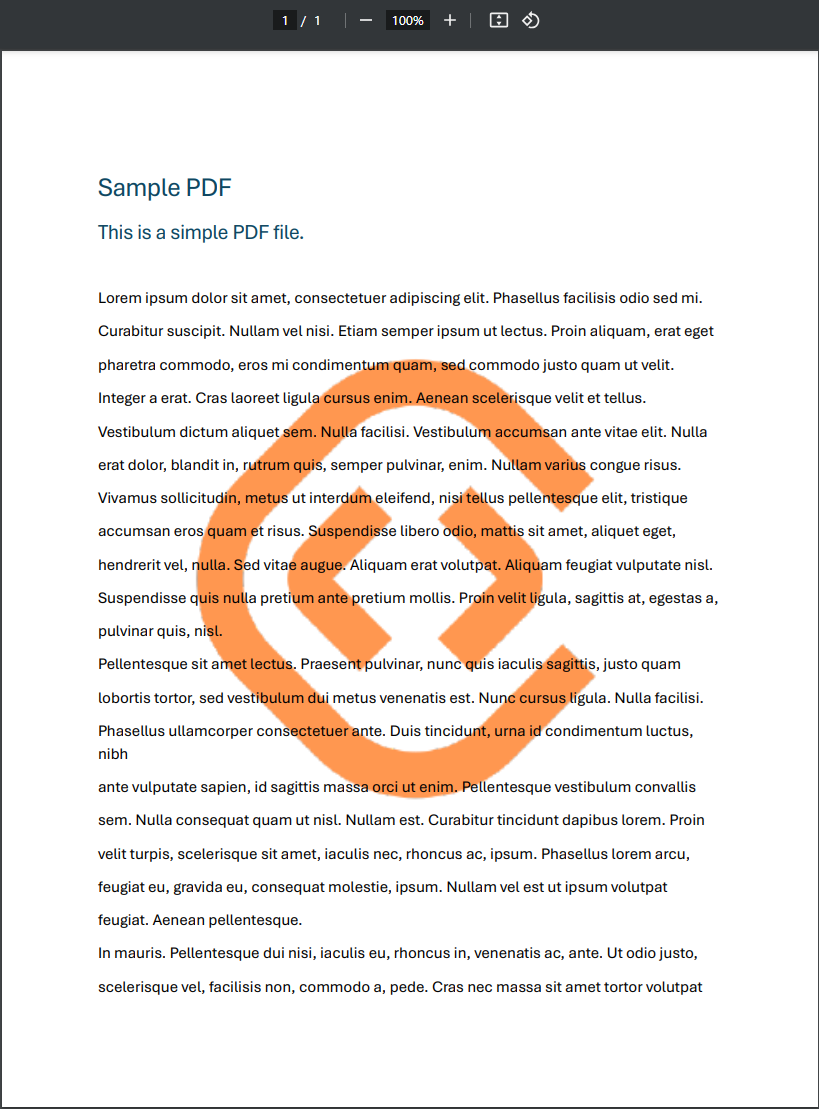
The Overlay Watermark PDF converter lets you use one PDF as a background or stamp on another. You can pick which page of the overlay PDF becomes the watermark, then align it horizontally and vertically, resize it, adjust opacity, and customize other settings.
Highlights
- Use any PDF page as a background or stamp on another PDF.
- Select which page of the overlay PDF is used as the watermark.
- Align the watermark horizontally and vertically, resize it, and adjust opacity.
- Common use cases:
- Stamp each page with your company logo to enhance brand recognition.
- Add a custom header or footer with page numbers, document titles, or date stamps for organized documentation.
- Add watermarks such as "Confidential," "Draft," or "Sample" to restrict unauthorized use or copying.
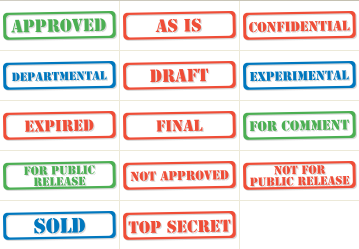
- Overlay an information badge to indicate document status, such as "Approved," "Pending Review," or "Archived."
- Apply a legal disclaimer or copyright notice to ensure compliance and protect intellectual property.
- Mark documents with a project code or department label to improve traceability within your organization.
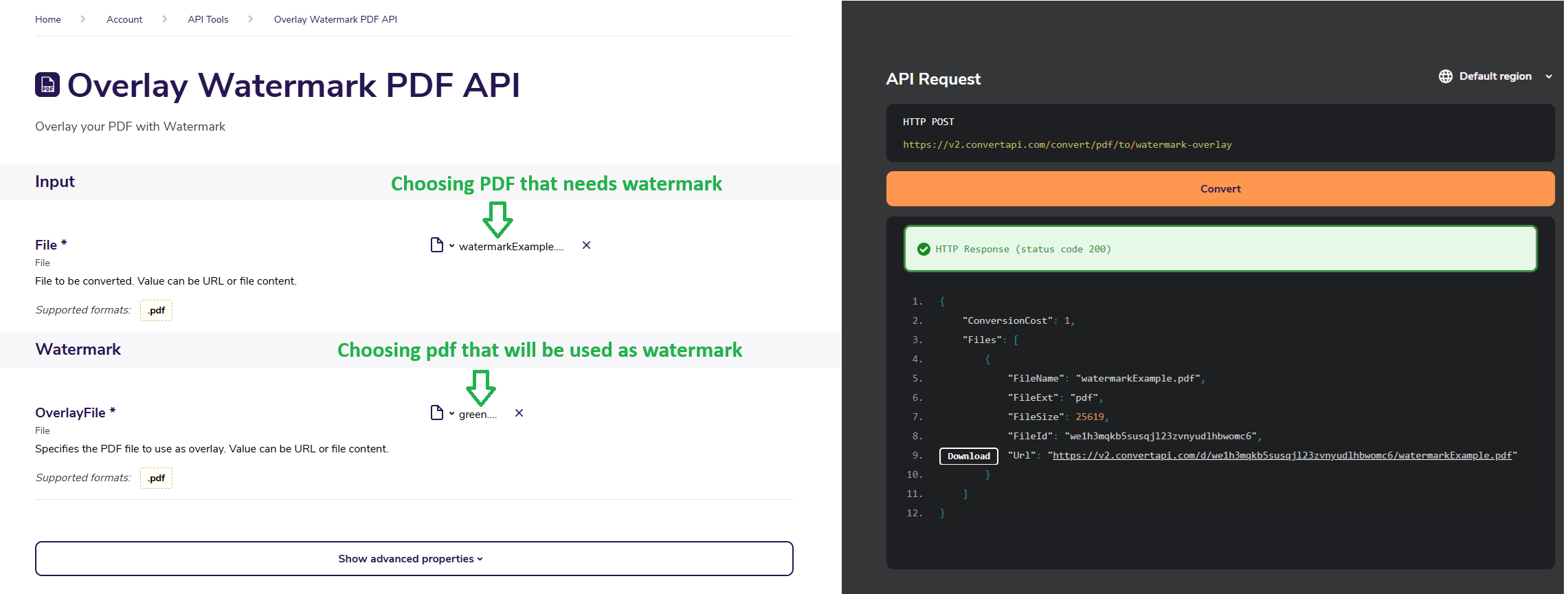
Here's a typical run, stamping a PDF with a company logo:
- Choose the PDF where the watermark will be added.
- Choose the PDF that will be used as the watermark.
- Set the watermark Style to
Stamp.

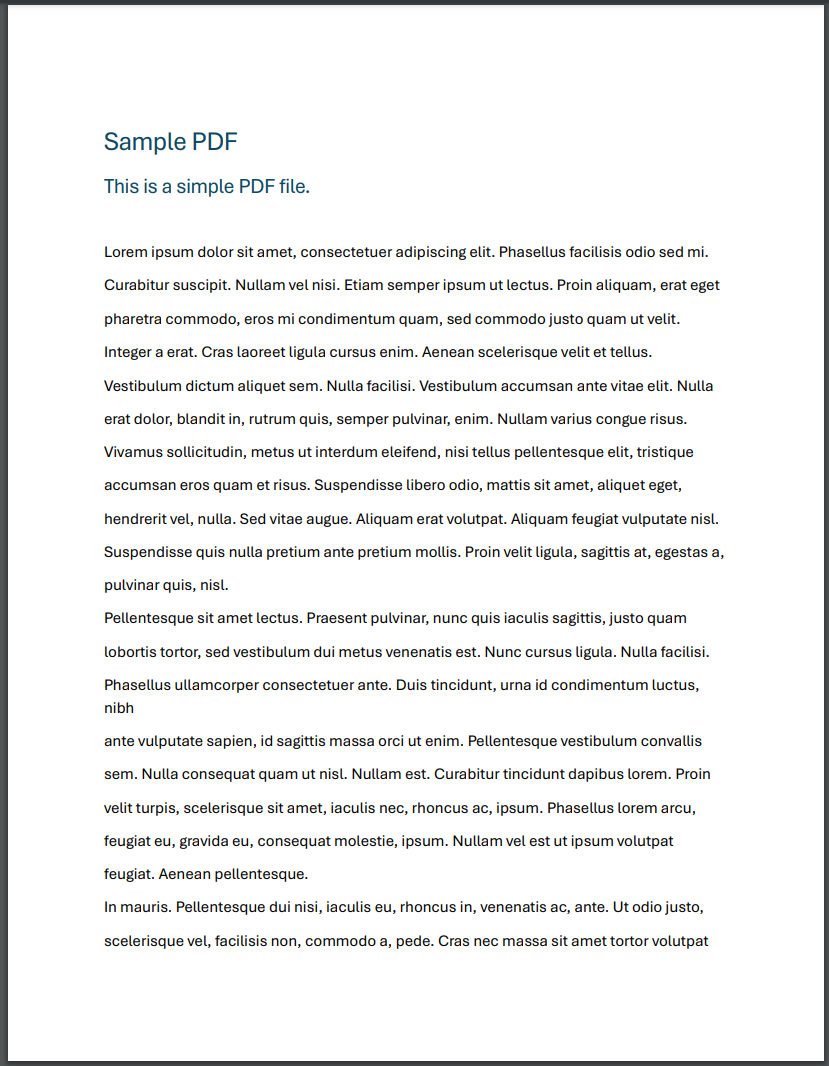
PDF document before adding the stamp:
Watermark PDF document (logo on a transparent background):

PDF after conversion: